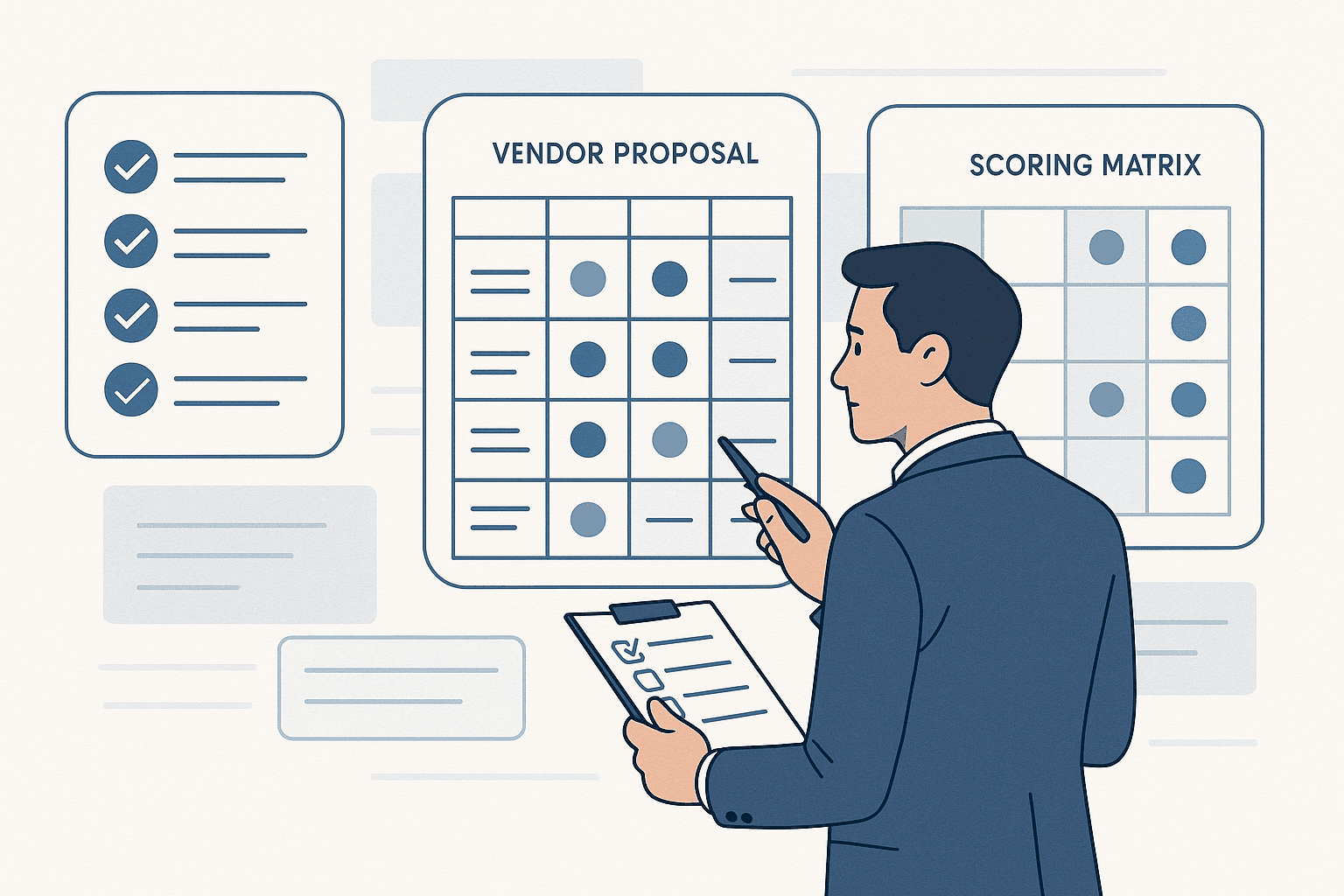
The cost of slow onboarding
Every day a new customer or vendor spends waiting for your onboarding process is a day they are reconsidering the decision. In B2B, where deal cycles are already long, a slow onboarding process can undo weeks of sales effort.
The numbers are not abstract. Companies with manual KYC and onboarding processes report:
- 5-15 days average time to onboard a new vendor or customer
- 20-30% of applicants dropping off mid-process due to friction
- 2-4 hours of manual work per onboarding by operations teams
Automation cuts these numbers dramatically. But doing it well requires more than just digitizing paper forms.
What KYC actually involves in B2B
KYC (Know Your Customer) in B2B is more complex than consumer identity verification. You are not just verifying an individual. You are verifying a business entity, its authorized representatives, and sometimes its entire ownership structure.
A typical B2B KYC process includes:
Entity verification - Confirm the business exists and is legally registered. This means checking GST registration, company incorporation certificates, PAN verification for Indian entities, or equivalent documents for international businesses.
Authorized representative verification - Confirm that the person signing the agreement is authorized to act on behalf of the company. This involves collecting board resolutions, power of attorney documents, or signatory authorization letters.
Document collection - Gather supporting documents: bank statements, financial statements, trade licenses, insurance certificates, and industry-specific certifications. The exact requirements vary by industry and risk profile.
Risk assessment - Evaluate the entity against your internal risk criteria. This might include credit checks, litigation history, sanctions screening, or industry-specific compliance checks.
Approval workflow - Route the completed application through internal approvers. Low-risk applications might auto-approve. High-risk ones might require compliance team review.
Why manual processes break
Manual KYC and onboarding fails at scale for predictable reasons:
Email-based document collection - "Please email your GST certificate to onboarding@company.com" creates a chaotic inbox where documents get lost, versions get mixed up, and nobody knows which applications are complete.
Spreadsheet tracking - Operations teams tracking onboarding status in spreadsheets cannot answer basic questions like "how many applications are stuck at document review?" without manually counting rows.
No audit trail - When compliance asks "who approved this vendor and when?", nobody can answer with confidence. The approval happened over email or chat, and the thread is buried.
Inconsistent requirements - Different team members ask for different documents because there is no single source of truth for what is required. One analyst asks for 3 months of bank statements, another asks for 6.
Building an automated onboarding workflow
Here is how to structure a KYC and onboarding automation system that actually works:
Step 1: Define your verification tiers
Not every customer or vendor needs the same level of scrutiny. Define tiers based on risk:
- Tier 1 (Low risk): Small transaction volumes, established businesses, known industries. Require basic documents, auto-approve if all checks pass.
- Tier 2 (Medium risk): Moderate volumes, newer businesses, or industries with some regulatory exposure. Require full documentation, route to operations team for review.
- Tier 3 (High risk): Large volumes, new entities, regulated industries. Full documentation plus manual compliance review, potentially including site visits.
Step 2: Build a self-service portal
Give applicants a dedicated portal where they can:
- See exactly which documents are required for their tier
- Upload documents in a structured format (not email attachments)
- Track the status of their application in real time
- Receive notifications when action is needed from their side
This eliminates the back-and-forth emails and gives your operations team a clean queue of applications to process.
Step 3: Automate document verification
Several categories of verification can be fully automated:
- GST verification via government APIs (verify GSTIN, fetch registered address and business name)
- PAN verification for individuals and entities
- Bank account verification via penny drop or account validation APIs
- Company registration verification via MCA (Ministry of Corporate Affairs) data
Automated verification should run immediately upon document upload. If verification passes, the application moves forward without human intervention. If it fails, it gets flagged for manual review with a clear reason.
Step 4: Build approval workflows
Define clear approval paths:
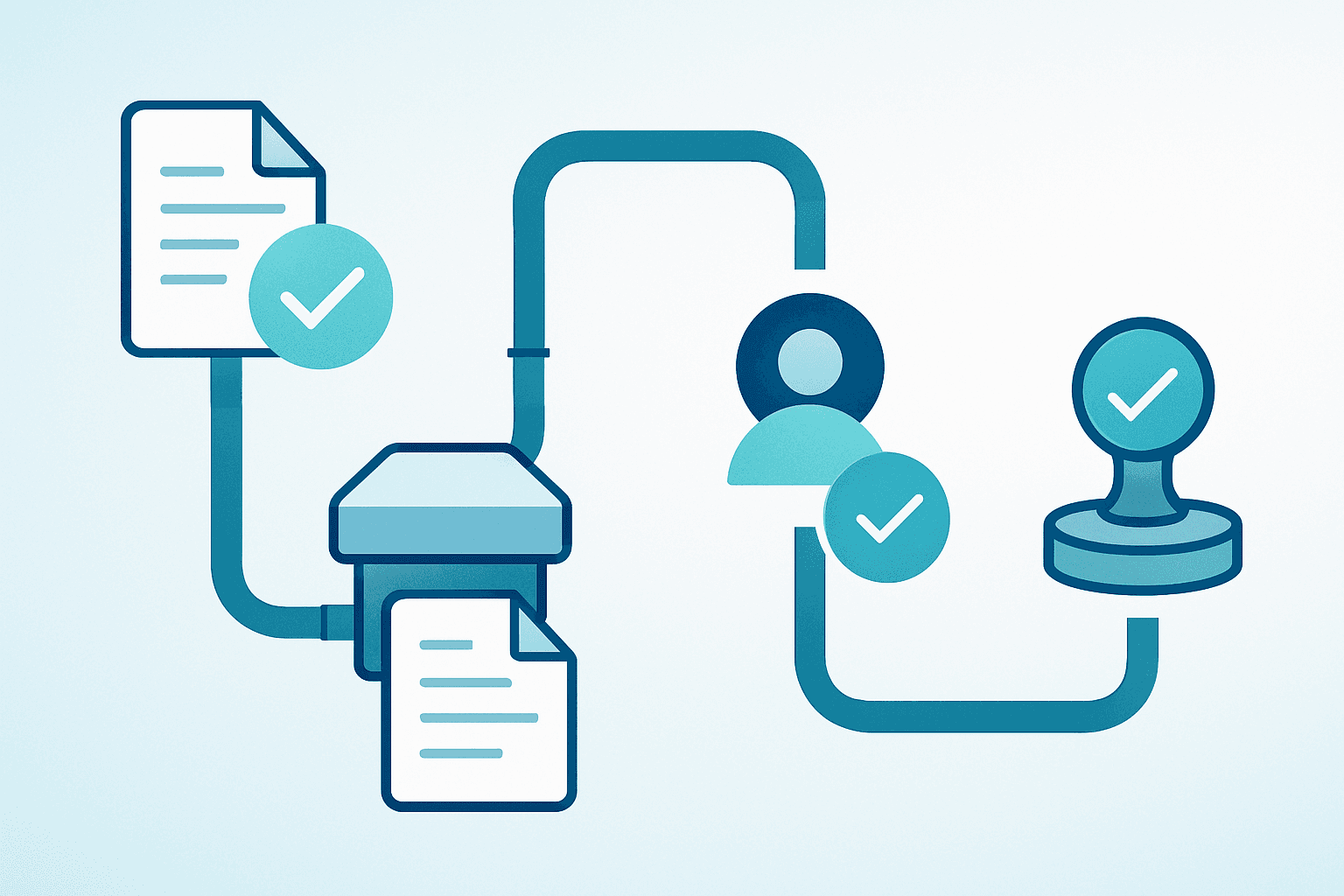
Application submitted
  -> Auto-verification (GST, PAN, bank)
  -> If all pass AND Tier 1 -> Auto-approve
  -> If any fail OR Tier 2 -> Route to Operations
  -> If Tier 3 -> Route to Compliance Team
  -> If rejected -> Notify applicant with reason
  -> If approved -> Trigger account creation
Each step should have:
- A defined SLA (e.g., operations review within 24 hours)
- Escalation rules (e.g., auto-escalate to manager if SLA breached)
- Full audit trail (who did what, when, with what data)
Step 5: Connect to downstream systems
Once an application is approved, the onboarding should trigger automated setup:
- Create the entity in your CRM
- Set up access credentials and role-based permissions
- Generate and send the welcome kit or agreement
- Assign an account manager
- Schedule the kickoff call
This last-mile automation is where most implementations fall short. They automate the verification but leave the account setup manual, creating a gap between "approved" and "actually ready to use the product."
Measuring onboarding performance
Track these metrics to know if your automation is working:
Time to onboard - From application submitted to account active. Target: under 48 hours for Tier 1, under 5 days for Tier 2.
Drop-off rate - Percentage of applications started but not completed. If this is above 15%, your process has too much friction.
Auto-approval rate - Percentage of applications that complete without human intervention. This tells you how effective your automated verification is.
SLA compliance - Percentage of applications processed within the defined SLA for each approval step.
Rejection rate and reasons - High rejection rates might indicate unclear requirements or a mismatch between your marketing and your actual customer profile.
Common pitfalls
Over-collecting documents. Every additional document you require increases drop-off. Only ask for what you legally need and what your risk model requires. If you are asking for utility bills "just in case," stop.
No progress visibility. Applicants who cannot see where their application stands will email your support team daily. A real-time status tracker eliminates this entirely.
Treating all applicants the same. A Fortune 500 company renewing an existing contract does not need the same scrutiny as a first-time vendor in a high-risk industry. Tiering is essential.
Ignoring the re-verification cycle. KYC is not a one-time event. Documents expire, businesses change ownership, and risk profiles evolve. Build periodic re-verification into your workflows from the start.
The bottom line
KYC and onboarding automation is not about eliminating human judgment. It is about eliminating the manual busywork that surrounds it. Let automation handle document collection, verification API calls, and status tracking. Let your team focus on the decisions that actually require expertise.
The companies that get this right onboard faster, retain more customers, and spend less on operations. The ones that do not are still counting rows in a spreadsheet while their customers wait.
Need to automate your KYC and onboarding workflows? Book a demo to see how BizBMS handles end-to-end onboarding automation.