The market has changed
Five years ago, choosing a business management platform meant picking between a heavyweight ERP and a collection of SaaS point solutions. In 2026, the landscape looks different. A new category of modular, AI-native platforms has emerged that sits between the two extremes.
But more options means more confusion. This guide walks you through the criteria that actually matter when evaluating a BMS, whether you are a 20-person startup or a 500-person enterprise.
1. Modularity over monoliths
The most expensive mistake companies make is buying a platform that forces them to deploy everything at once. You end up paying for modules you do not use, training teams on features they do not need, and locking yourself into a vendor before you know if it works.
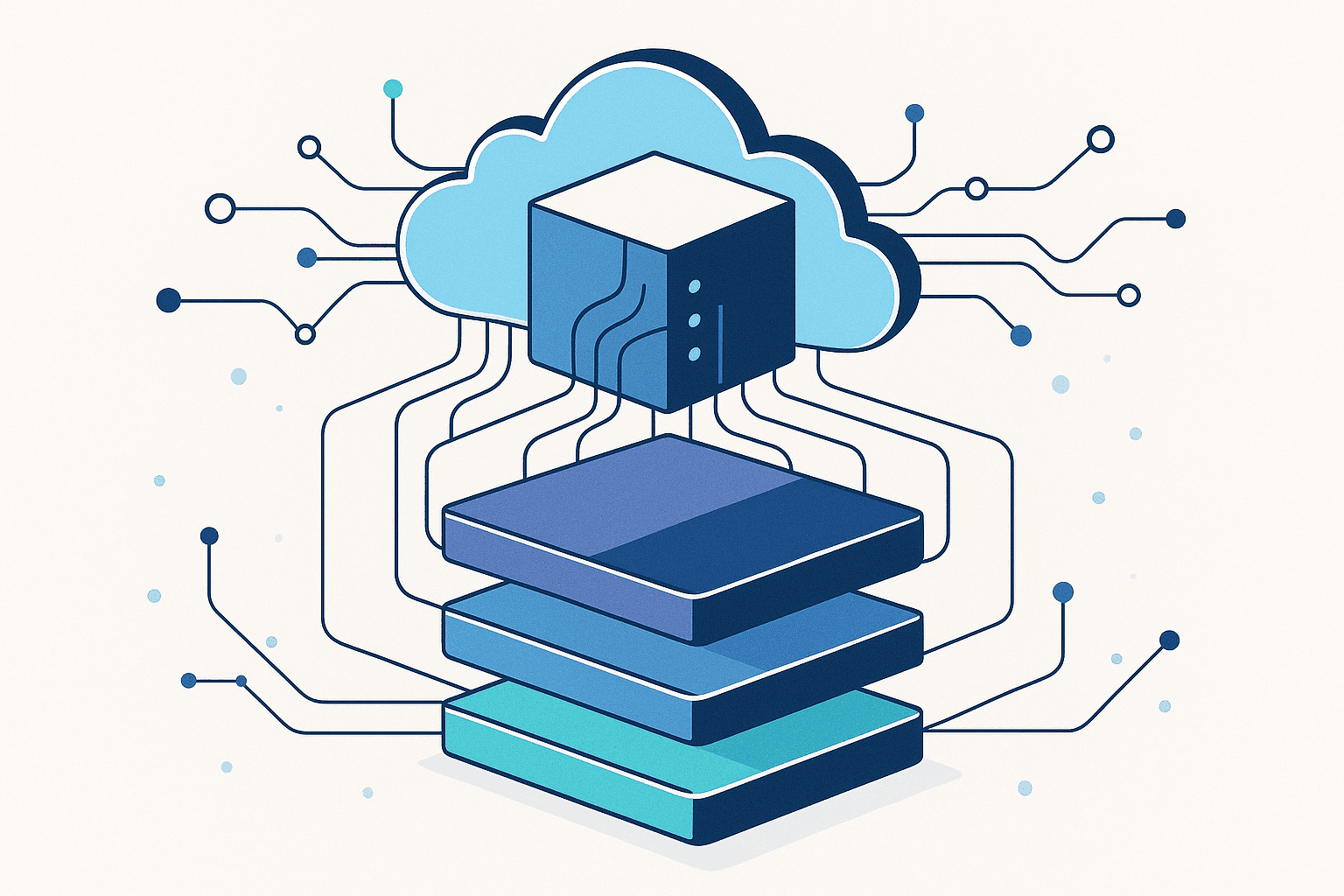
What to look for: A platform where each module (CRM, inventory, HR, finance) can be deployed independently. You should be able to start with two or three modules and expand as your needs grow.
Red flag: The vendor cannot quote a price for just one module. That means their architecture is monolithic, even if their marketing says otherwise.
2. Deployment speed
If a vendor tells you implementation takes 6 months, that is not a BMS. That is an ERP in disguise.
Modern BMS platforms should go from contract to first module live in days to weeks, not months. The key enablers are pre-built workflows, configurable data models, and templated dashboards that adapt to your domain.
What to look for: Ask for the average time-to-first-value. If the answer is measured in quarters, not weeks, keep looking.
3. AI that works on your data
Every software vendor claims AI capabilities in 2026. The question is whether their AI actually operates on your business data or just wraps a generic chatbot.
Useful AI in a BMS looks like:
- Automated anomaly detection on KPIs (flagging a 30% drop in order volume before anyone notices)
- Natural language report generation ("show me revenue by region for Q1" returns a formatted report)
- Predictive alerts (inventory likely to run out in 5 days based on current consumption rate)
- Smart data entry that auto-fills fields based on patterns in historical data
What to look for: Ask the vendor to demo AI features using your data, not a canned demo dataset.
4. Role-based access from day one
Access control is not a feature to add later. It should be baked into every screen, every API endpoint, and every report from the start.
In practice, this means:
- Your sales team sees their pipeline, not HR records
- Your field staff sees task assignments, not financial dashboards
- Your admin controls who sees what without filing a support ticket
What to look for: RBAC that works at the field level, not just the module level. You should be able to hide specific columns in a table from specific roles.
5. API-first architecture
Your BMS will not be the only tool in your stack. It needs to connect to payment gateways, accounting software, communication platforms, and whatever else your business runs on.
What to look for: A documented REST API with webhook support. Bonus points for pre-built connectors to common Indian platforms (Razorpay, Tally, WhatsApp Business).
Red flag: Integration requires "professional services" every time. That means the platform was not built for interoperability.
6. Multi-tenant architecture
If you serve multiple clients, franchisees, or business units, your BMS needs to isolate data cleanly while giving you a consolidated view when you need one.
Single-tenant deployments per client do not scale. Look for platforms that handle multi-tenancy natively, with per-tenant configuration, branding, and access control.
7. Total cost of ownership
The license fee is the smallest part of the cost. Factor in:
- Implementation time and the internal resources it consumes
- Training costs for each team that uses the system
- Customization fees for workflows that do not fit the default templates
- Integration costs for connecting to your existing tools
- Ongoing support and whether it requires a dedicated admin
A platform that costs 40% more per month but deploys in 2 weeks instead of 4 months often has a lower total cost in year one.
How to run the evaluation
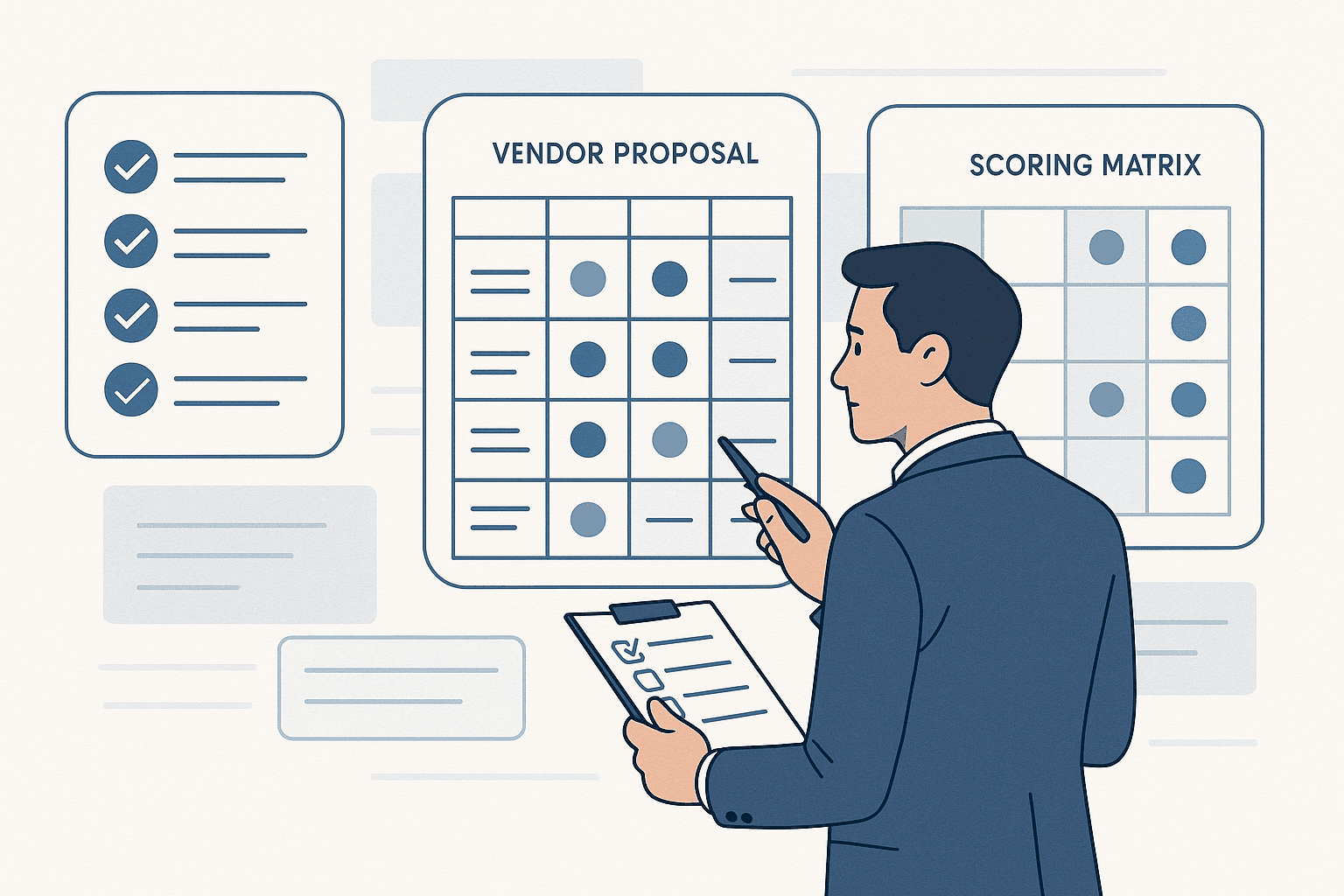
Here is a practical framework:
-
List your top 3 pain points. Not features you want, but problems you need solved. "We cannot track leads across regions" is better than "we need a CRM."
-
Request a scoped demo. Ask each vendor to demo just the workflows that solve your top 3 problems. Generic product tours waste everyone's time.
-
Ask for a pilot. Deploy one module with real data for 2-4 weeks. If a vendor will not let you pilot without a 12-month contract, that tells you something.
-
Talk to similar-sized customers. Not the logos on the website, but companies at your scale in your industry. Ask them what broke, what took longer than expected, and what they would do differently.
The bottom line
The best BMS is the one that matches how your business actually works, not the one with the longest feature list. Start with your problems, evaluate on deployment speed and modularity, and pilot before you commit.
Evaluating BMS platforms for your business? Talk to our team and we will walk you through how the evaluation process works.