The vendor pitch is not the product
Every BMS vendor will show you a polished demo. The dashboards will look great. The features list will be long. The sales rep will say "yes" to every question you ask.
None of that tells you what it is actually like to run your business on their platform six months from now.
The difference between a good BMS and a regrettable one shows up after the contract is signed: when you need a custom workflow that does not fit their template, when your team hits a permission issue at 11 PM, when you want to pull a report that crosses three modules and the system cannot do it without a workaround.
This is a checklist for asking the right questions before you get there.
Architecture and ownership
1. Do you own your data?
This sounds obvious. It is not.
Ask the vendor: if you cancel tomorrow, what happens to your data? Can you export everything, including attachments, audit logs, and custom fields, in a standard format? Or are you locked into their proprietary structure?
Some vendors make export technically possible but practically painful. A CSV dump of your CRM without relationship mappings is not a real export. You need structured data with foreign keys intact, or you are rebuilding from scratch.
The right answer: full data portability in standard formats (JSON, CSV, SQL dump) with relationships preserved. If they hesitate, that is your answer.
2. Is the architecture multi-tenant or single-tenant?
This matters more than most buyers realize.
Multi-tenant architecture means your data runs on shared infrastructure with logical isolation. It is cheaper, faster to deploy, and easier to maintain. But the vendor needs to prove that isolation is real: your data, your configurations, and your customizations should be completely invisible to other tenants.
Single-tenant gives you a dedicated environment. It costs more and takes longer to set up, but some regulated industries require it.
Neither is inherently better. What matters is that the vendor can explain their approach clearly and back it up with specifics about how data isolation works.
3. Is it API-first?
A BMS that cannot talk to your other systems is just another silo.
Ask for the API documentation before you sign. Not a marketing page that says "robust API." The actual docs. Look for REST endpoints covering every module, proper authentication (OAuth 2.0, not just API keys), rate limiting policies, webhook support for real-time events, and versioning so updates do not break your integrations.
If the vendor does not have public API docs, they are not API-first. They are API-eventually.
Customization and flexibility
4. Can you modify workflows without vendor involvement?
The whole point of a BMS is that it adapts to how your business works. If every workflow change requires a support ticket and a two-week turnaround, you have traded one set of constraints for another.
Ask specifically: can your team add a new approval step to the procurement workflow? Can you add a custom field to the inventory module without calling support? Can you change the order of stages in a sales pipeline?
The best systems give you a configuration layer that non-technical team members can use for routine changes, with deeper customization available through code or the vendor's professional services for complex scenarios.
5. How does it handle industry-specific logic?
Generic BMS platforms work for generic businesses. If your operations have specialized requirements, like fleet management with vehicle lifecycle tracking, or manufacturing with bill-of-materials logic, the system needs to support that without ugly workarounds.
Ask the vendor to walk you through a scenario specific to your industry. Not a demo they have rehearsed. A real scenario from your operations. How would they configure driver KYC verification? How would they handle a partial delivery against a purchase order? How would they calculate dynamic pricing based on utilization?
If the answer is "we can build that as a custom module," ask how long, how much, and who maintains it after launch.
6. What happens when you outgrow a module?
Your business will change. The CRM that works for a 10-person sales team may not work when you have 50 reps across three regions.
Ask: can you replace individual modules without rebuilding the whole system? Can you add new modules later without migrating data? Is the platform truly modular, or is "modular" just marketing language for a monolithic system with tabs?
A genuinely modular platform lets you deploy, upgrade, or swap individual modules independently. If removing one module breaks three others, it is not modular.
Access control and security
7. How granular is the access control?
"Role-based access control" has become a checkbox item. Every vendor claims they have it. Few implement it well.
Ask for specifics. Can you restrict access at the field level, not just the module level? Can a regional manager see their team's data without seeing another region's? Can you define object-level permissions, so a support agent can view a customer's order history but not edit their billing information?
Field-level RBAC with group-based policies is the standard your BMS should meet. If the vendor only offers role-based access at the page or module level, your data is one misconfiguration away from a compliance problem.
8. Is there a full audit trail?
Every action in a BMS should be logged: who did what, when, and from where. This is not optional for any business that handles financial data, customer information, or regulatory reporting.
Ask: can you see who changed a field value three months ago? Can you see what the value was before and after the change? Can you export audit logs for external compliance reviews? Are logs tamper-proof?
If the vendor says "we log most actions" or "audit trails are available on our enterprise plan," that tells you where their priorities are.
9. What certifications and compliance standards do they meet?
SOC 2 Type II is the baseline for any B2B SaaS vendor handling business data. If they do not have it, ask why not and when they plan to get it.
Beyond SOC 2, ask about data residency (where is your data physically stored?), encryption at rest and in transit, backup frequency and recovery time objectives, and their incident response process. For Indian companies, ask specifically about compliance with the Digital Personal Data Protection Act.
Do not accept "we take security seriously" as an answer. Ask for the audit report.
Implementation and support
10. What does implementation actually look like?
"Go live in weeks" is a common claim. Ask what "go live" means.
Does it mean the software is technically accessible? Or does it mean your data has been migrated, your team has been trained, your workflows have been configured, and your integrations are live?
Get a detailed implementation timeline with milestones. Ask who from the vendor's team is involved and for how long. Ask what your team needs to contribute and how many hours per week. Ask about the most common reasons implementations get delayed.
A vendor who has done this before will have specific, honest answers. One who has not will give you a range so wide it is meaningless.
11. What does ongoing support look like after launch?
The first 90 days after launch are when most problems surface. Workflows that looked right in staging break under real data volumes. Edge cases appear that nobody anticipated. Team members find gaps in their training.
Ask: what is the SLA for support tickets? Is there a dedicated account manager or are you routed to a general queue? What support channels are available, chat, email, phone? Is there a knowledge base or documentation portal your team can reference?
Also ask about the upgrade cycle. How often does the platform release updates? Are they automatic or do you control the timing? Do updates ever break custom configurations?
12. How is pricing structured?
Per-seat pricing is the industry default, and it is the model that punishes growth. Every new hire increases your software cost, regardless of whether they use the system heavily or log in once a month.
Ask for the full pricing picture: base platform cost, per-seat fees (if any), costs for additional modules, API call limits, storage limits, and professional services rates. Ask about what happens when you hit limits. Ask about multi-year discounts and exit terms.
The most important question: what will this cost when your team doubles in size? If the answer is roughly double, the pricing model is working against you.
AI and analytics
13. What does AI actually do in the platform?
AI is the most oversold feature in enterprise software right now. Every vendor claims AI capabilities. Very few deliver anything beyond a chatbot wrapper.
Ask for specific use cases running in production today. Not on a roadmap. Not in beta. In production.
Does the AI generate reports from natural language queries? Does it flag anomalies in financial data? Does it automate document processing or data extraction? Does it provide predictive insights for inventory or demand planning?
AI built into every module means your team interacts with it as part of their daily workflow, not as a separate tool they have to remember to use. If the vendor's AI is a standalone feature you access from a separate screen, it will not get adopted.
14. Can you build custom reports without technical help?
A BMS that cannot give you the reports you need is a BMS that makes you fly blind.
Ask: can a non-technical manager build a report that combines data from sales, inventory, and finance? Can you schedule reports to be delivered via email? Can you set up alerts when a KPI crosses a threshold? Can you drill down from a dashboard metric to the underlying records?
If the answer is "our analytics team can build custom reports for you," that is professional services, not a product feature. Your reporting needs will change faster than any services team can keep up with.
15. Is there a live environment you can test?
Demos are staged. References are curated. The only way to know how a BMS actually works is to use it with your own data and workflows.
Ask for a sandbox or pilot environment where your team can test real scenarios. Not a 15-minute guided tour. A working environment where you can create records, run workflows, test permissions, and see how the system handles your edge cases.
If the vendor will not provide this, ask yourself why.
How to use this checklist
You do not need perfect scores on all 15 points. No vendor will nail everything.
What matters is the pattern. A vendor who is strong on architecture, security, and customization but light on AI is in a different position than one who has flashy AI demos but cannot explain their data isolation model.
Group your priorities:
Non-negotiable. Data ownership, API access, RBAC, audit trails. If a vendor fails here, stop the conversation.
Important. Workflow customization, modular architecture, reporting flexibility, implementation clarity. These determine whether the system works for your team in practice.
Differentiating. AI capabilities, industry-specific features, pricing structure. These separate a good vendor from a great one.
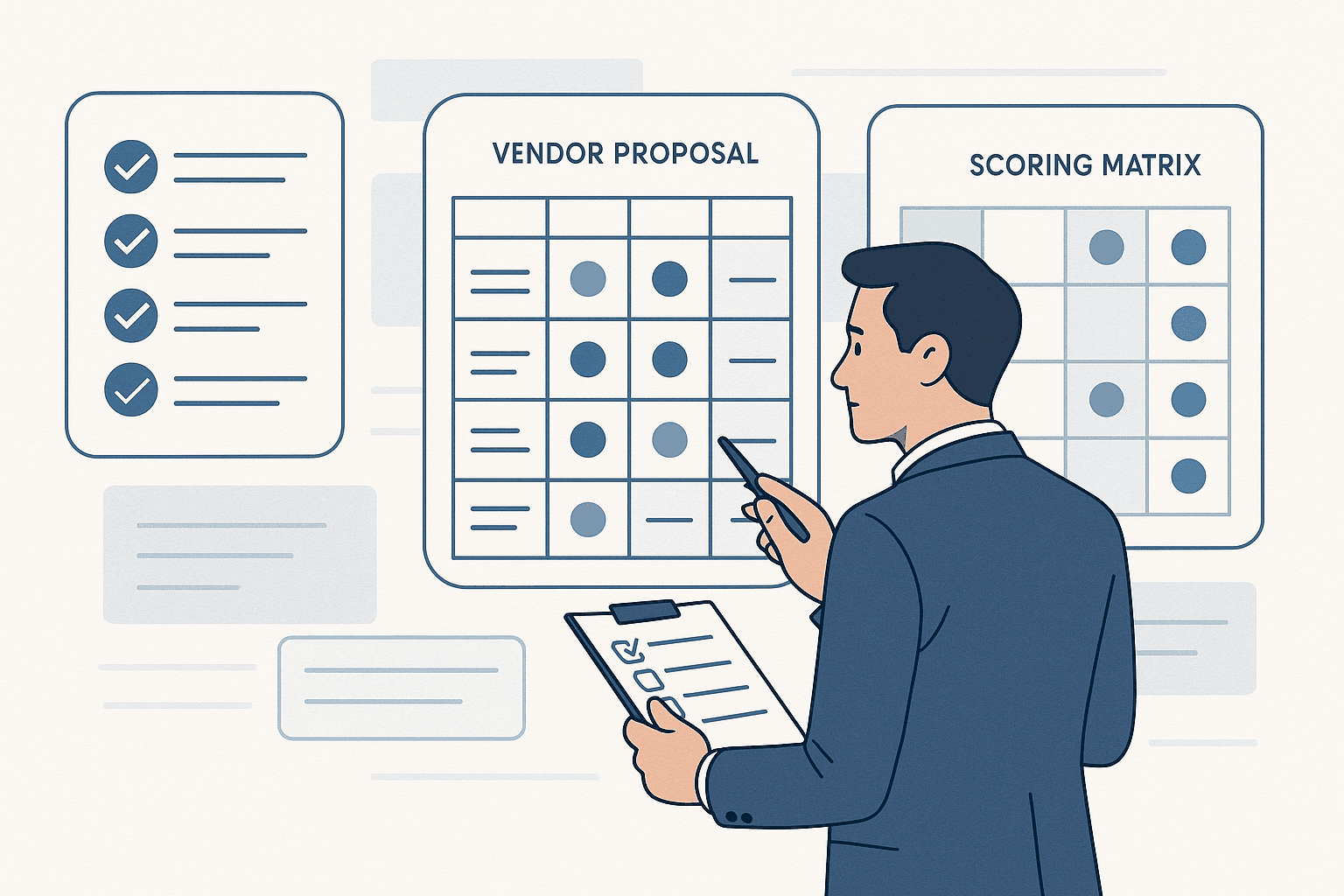
Score each vendor against these 15 questions. The vendor who gives you the most specific, honest, and verifiable answers is usually the right choice. Not the one with the best slide deck.
The bottom line
Choosing a BMS is an infrastructure decision. It affects every team, every workflow, and every data point in your business. The cost of switching later is measured in months and morale, not just money.
Take the time to ask hard questions now. A vendor who welcomes scrutiny is a vendor who has built something worth scrutinizing.
The ones who dodge, deflect, or say "we can discuss that after you sign" are telling you everything you need to know.
Want to see how BizBMS answers these 15 questions? Book a demo and bring the checklist.