The problem every growing business hits
Your sales team tracks leads in a CRM. Finance runs on Tally or spreadsheets. HR uses a separate portal. Operations has its own tools. Inventory lives in yet another system.
Each tool works fine on its own. But together, they create silos. Data does not flow. Reports take days to compile. Nobody has a single view of how the business is actually performing.
This is the problem a Business Management System (BMS) solves.
What is a BMS?
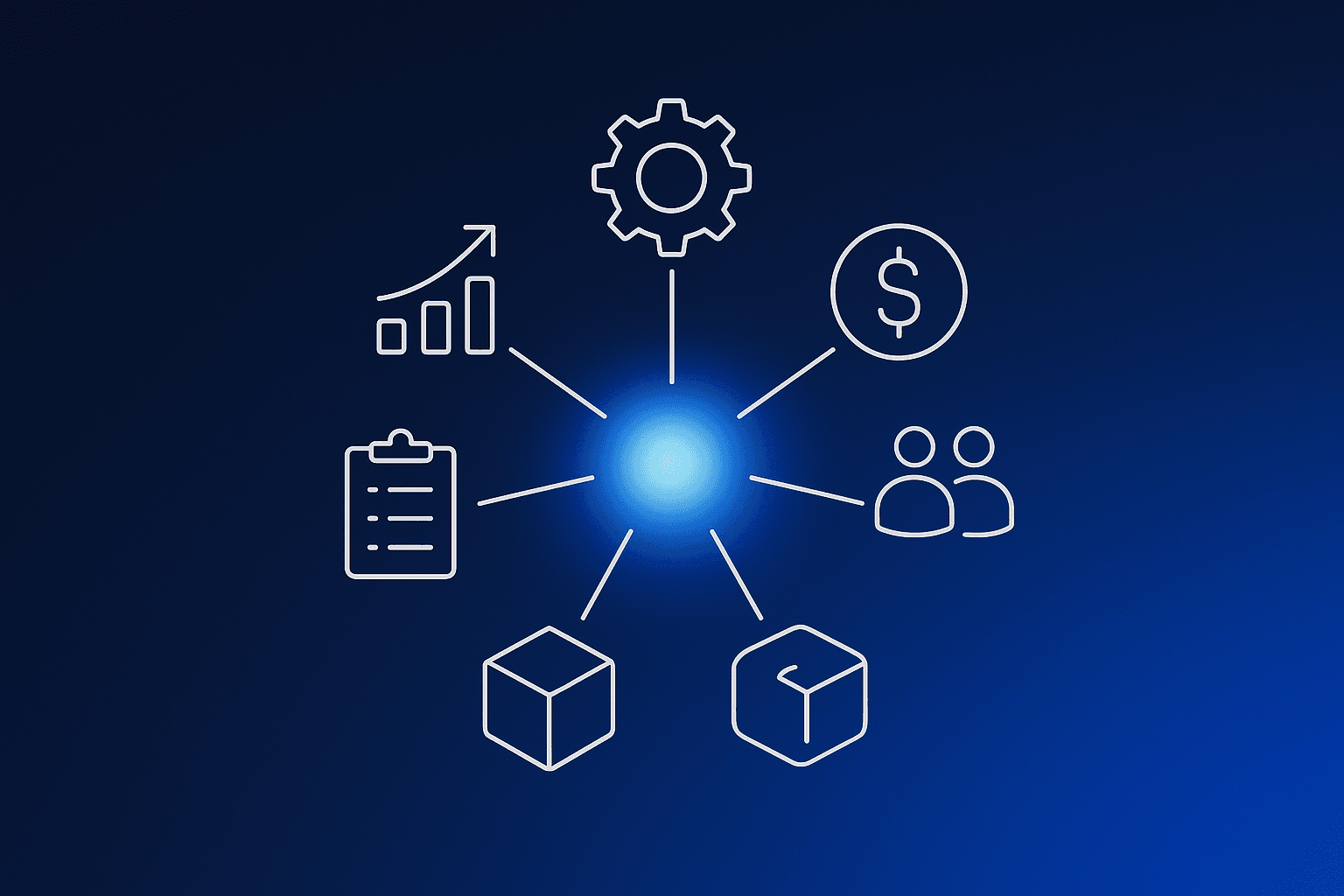
A BMS is a single platform that manages your core business functions in one place: sales, operations, finance, HR, inventory, and procurement.
Unlike point solutions that handle one function each, a BMS connects everything. When a sales order is confirmed, inventory is updated, an invoice is generated, and the delivery team is notified. Automatically.
Think of it as the operating system for your business.
BMS vs ERP: what is the difference?
ERPs like SAP and Oracle were built for large enterprises with dedicated IT teams and 6-12 month implementation timelines. They are powerful but rigid, expensive, and slow to customize.
A modern BMS takes a different approach:
| Traditional ERP | Modern BMS | |
|---|---|---|
| Setup time | 6-12 months | Days to weeks |
| Customization | Requires consultants | Modular, configurable |
| Cost | High upfront license | SaaS subscription |
| Flexibility | Monolithic | Pick the modules you need |
| AI capabilities | Limited or add-on | Built-in from day one |
A BMS gives you ERP-grade functionality without the ERP-grade complexity.
What does a BMS actually do?
A well-built BMS covers the full scope of business operations. Here is how each area works in practice:
Sales and CRM - Lead tracking, deal pipelines, customer profiles, and communication history. A logistics company using BizBMS replaced three separate tools with a single CRM module and cut their lead response time from 48 hours to under 4.
Operations and workflows - Automated approval chains, task assignments, SLA tracking, and process orchestration. Define how work flows through your organization and let the system enforce it. No more "I did not know that needed my approval."
Finance - Invoicing, expense management, revenue tracking, and budget oversight. Real-time financial visibility without waiting for month-end reports. The expense management module auto-routes approvals based on amount thresholds and department.
HR and people - Employee records, leave management, onboarding workflows, and team structures. Everything your HR team needs without a separate HRMS.
Inventory and procurement - Stock levels, purchase orders, vendor management, and warehouse operations. Prevent stockouts and overstocking with live inventory data.
Reporting and analytics - KPI dashboards, scheduled reports, and drill-down analytics across every module. Make decisions based on data, not gut feel.
Why growing B2B companies need a BMS
1. One source of truth
When your data lives in five different tools, nobody agrees on the numbers. A BMS eliminates this by keeping all business data in one system. When the CEO asks "how did we do this quarter?", the answer is one dashboard away.
2. Processes that scale
Manual processes work when you have 10 employees. At 50, they break. At 200, they collapse. A BMS lets you define workflows once and scale them across teams, locations, and business units without rebuilding anything.
3. Faster decisions
Waiting three days for a report means making decisions on stale data. A BMS gives you real-time dashboards and alerts so you can act on what is happening now, not what happened last week.
4. Lower total cost
Running five separate SaaS subscriptions costs more than one integrated platform. Factor in the time your team spends on manual data transfer between systems, and the savings multiply quickly.
5. Built-in compliance
Role-based access control, audit trails, and KYC workflows are not afterthoughts in a BMS. They are core features. Every action is tracked, every permission is enforced, and every record has a history.
What to look for in a BMS
Not all platforms calling themselves a BMS deliver the same value. Here is what matters:
Modularity - You should be able to start with the modules you need today and add more as you grow. If a vendor forces you to buy everything upfront, keep looking. BizBMS lets you pick individual use cases and deploy them independently.
Customization without code - Your business is not generic, and your BMS should not be either. Look for configurable workflows, custom fields, and flexible data models that adapt to how you actually work.
AI that actually helps - AI should surface insights, automate repetitive tasks, and make your team faster. Not just sit in a marketing slide deck. See how BizBMS uses AI to generate reports, flag anomalies, and automate data entry.
Role-based access - Different teams need different views and permissions. Your finance team should not see HR data, and your field staff should not access admin settings. RBAC should be built into every module from the start.
API-first architecture - Your BMS needs to talk to your existing tools: payment gateways, accounting software, communication platforms. An API-first design makes this seamless instead of an integration nightmare.
The bottom line
A BMS is not a nice-to-have for growing B2B companies. It is the difference between scaling with control and scaling into chaos.
The businesses that get this right spend less time fighting their tools and more time building their business. The ones that do not end up with a patchwork of disconnected systems that gets harder to manage every quarter.
The question is not whether you need a BMS. It is how soon you start.
Ready to see what a BMS looks like for your business? Book a demo and we will walk you through it.