The question every growing company faces
You have hit a wall. Your CRM does 80% of what you need. Your inventory tool covers the basics. Your finance system works, mostly.
But the last 20% is where your business actually competes. The custom workflows, the industry-specific logic, the reporting that maps to how your team actually thinks. No off-the-shelf tool covers that.
So you start asking: should we keep patching together generic tools, or build something custom?
The real trade-off
This is not a simple build vs buy decision. It is a question of where you are in your growth, what your operations look like, and how much of your competitive advantage lives in your processes.
When off-the-shelf works
Generic SaaS tools are the right choice when:
- Your workflows follow standard patterns that most businesses share
- You have fewer than 30 employees and limited process complexity
- Speed of adoption matters more than customization
- You do not need deep integration between systems
- Your industry does not have specialized compliance or data requirements
A startup with five people does not need a custom BMS. Notion, HubSpot, and QuickBooks will get you through the first year.
When off-the-shelf breaks down
The cracks appear when your business starts doing things that generic tools were not designed for:
You are paying for features you do not use. Enterprise SaaS pricing assumes you need everything. If you only use 30% of a platform, you are subsidizing features built for someone else.
Your team builds workarounds daily. When employees maintain shadow spreadsheets alongside your "official" system, that is a sign the tool does not match your workflow. Every workaround is a data integrity risk.
Integration becomes a full-time job. Connecting five different SaaS tools through Zapier or custom scripts creates a fragile data pipeline. One API change breaks everything.
You cannot get the reports you need. If pulling a quarterly business review requires exporting data from three tools and spending a day in Excel, your systems are working against you.
Compliance requirements are getting complex. Industries like fleet management, healthcare, and finance have audit trail and access control requirements that generic tools handle poorly.
What "custom" actually means in 2026
A decade ago, building a custom system meant hiring a team of 10, spending 12 months, and hoping the requirements did not change halfway through.
That is no longer the case.
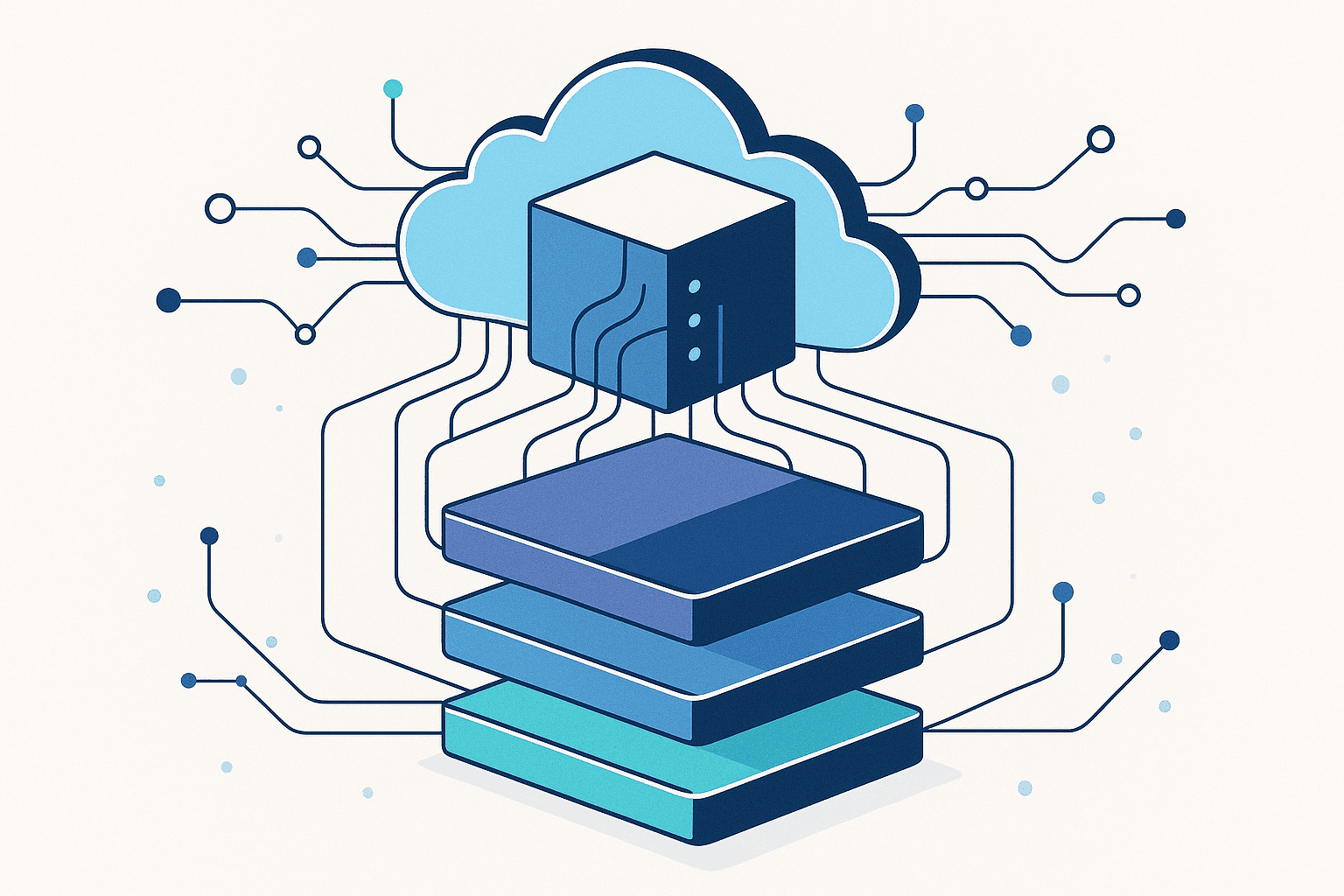
Modern custom SaaS development uses modular frameworks that come with the fundamentals already built: authentication, role-based access control, API infrastructure, deployment pipelines, and core business modules. What gets customized is the logic that makes your business different.
The framework approach
Instead of building from scratch, a framework-based approach gives you:
| Build from Scratch | Framework-Based | Off-the-Shelf | |
|---|---|---|---|
| Time to launch | 6-12 months | Weeks to months | Days |
| Customization | Unlimited but slow | Deep and fast | Limited |
| Total cost (Year 1) | Very high | Moderate | Low |
| Total cost (Year 3) | Moderate | Moderate | High (per-seat scaling) |
| Data portability | Full | Full | Limited |
| Vendor lock-in | None | None | High |
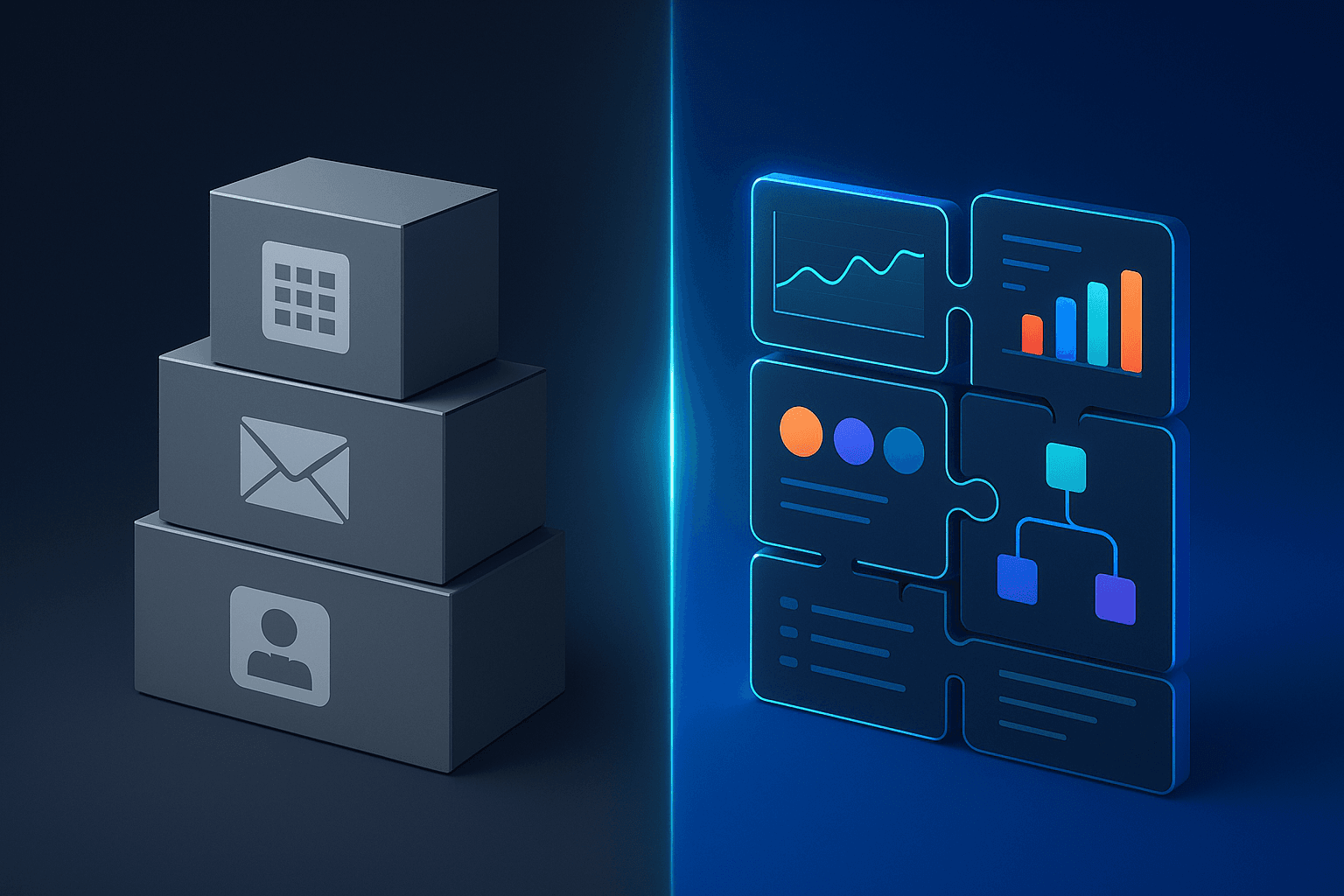
The sweet spot for most growing B2B companies is the middle column. You get the speed of working with pre-built modules, the depth of custom development, and full data portability without vendor lock-in.
Five signals it is time to go custom
1. Your processes are your competitive advantage
If how you operate is what sets you apart from competitors, encoding that logic in a system you own makes strategic sense. A logistics company with proprietary routing algorithms should not force that into a generic fleet tool.
2. You are spending more on workarounds than the tools themselves
Add up the cost: SaaS subscriptions, integration tools, the time your team spends on manual data entry and reconciliation. If that number exceeds what a custom system would cost, the math has already shifted.
3. You need a single source of truth
When your sales data lives in one system, operations in another, and finance in a third, nobody agrees on the numbers. A custom BMS eliminates this by design.
4. You are scaling into new markets or verticals
Off-the-shelf tools are rigid. When you expand into a new geography, add a product line, or enter a new industry, you need a system that adapts with you instead of constraining you.
5. Data security and compliance are non-negotiable
Regulated industries need audit trails, field-level permissions, and data isolation. Retrofitting these into generic SaaS tools is painful and often incomplete. A custom system builds RBAC and compliance into the foundation.
What a custom system should include
If you decide to go custom, here is what a well-built system covers:
Core operations. Workflow automation, approval chains, task management, and SLA tracking. The system should enforce your processes, not just document them.
Finance and reporting. Expense management, invoicing, ledger tracking, and real-time dashboards. No more waiting for month-end reports.
CRM and sales. Lead tracking, deal pipelines, and customer lifecycle management built around your actual sales process.
Inventory and procurement. Stock management, purchase orders, and vendor tracking with automated reorder points.
People management. Employee records, leave management, onboarding workflows, and team structures.
API layer. Every module should expose APIs so you can integrate with payment gateways, accounting software, and any other tool your business relies on.
The cost question
The honest answer: a custom system costs more upfront than signing up for a SaaS tool. But the comparison is misleading if you only look at month one.
Here is how the math typically works for a company with 50 to 200 employees:
Off-the-shelf (Year 1): Low entry cost, but 5 to 8 separate subscriptions at $20 to $100 per seat per month. Plus integration costs, plus the time your team loses to workarounds. Total: often $50K to $150K annually, scaling with headcount.
Custom BMS (Year 1): Higher upfront investment in development, but no per-seat fees, no subscription lock-in, and full data portability in open formats. The system pays for itself when you stop hemorrhaging money on disconnected tools and manual processes.
By Year 3: The off-the-shelf approach has cost 3x the annual subscription (prices always go up) plus growing integration debt. The custom system has stable operational costs and handles 3x the volume without 3x the price.
How to evaluate a development partner
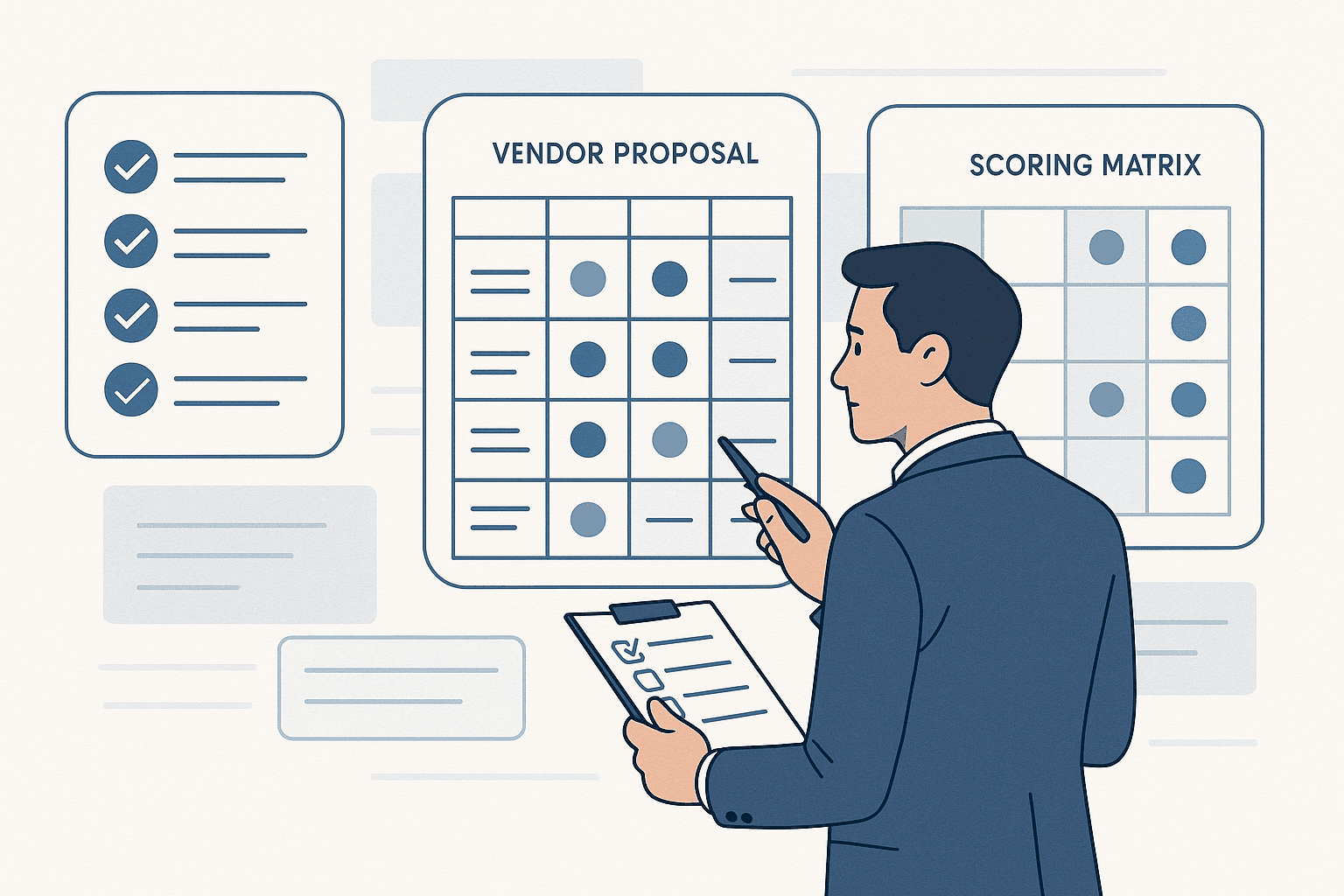
If you go the custom route, choosing the right partner matters as much as the decision to build. Look for:
A production-ready framework. Partners who start from zero are selling you engineering hours. Partners who start from a proven framework are selling you business outcomes.
Full-stack capability. Web, mobile, dashboards, and APIs should come from one team. Splitting across vendors creates coordination overhead and finger-pointing.
Domain experience. Ask for case studies in your industry or adjacent ones. A team that has built for manufacturing understands the difference between a work order and a purchase order.
Portability model. Your data should be yours, in open formats, exportable anytime. If a vendor holds your data hostage, you are just trading one form of lock-in for another.
Post-launch support. Building the system is half the job. Ongoing support, monitoring, and iteration are what keep it running as your business evolves.
The bottom line
Off-the-shelf tools are not bad. They are a great starting point. But there comes a point in every growing company where the tools that got you here will not get you there.
The decision to go custom is not about chasing technology. It is about deciding whether your operations are generic enough to fit into someone else's software, or specific enough to deserve their own.
If you are spending more time working around your tools than working with them, you probably already know the answer.
Considering a custom system for your business? Book a demo and we will walk you through what it looks like for your industry.